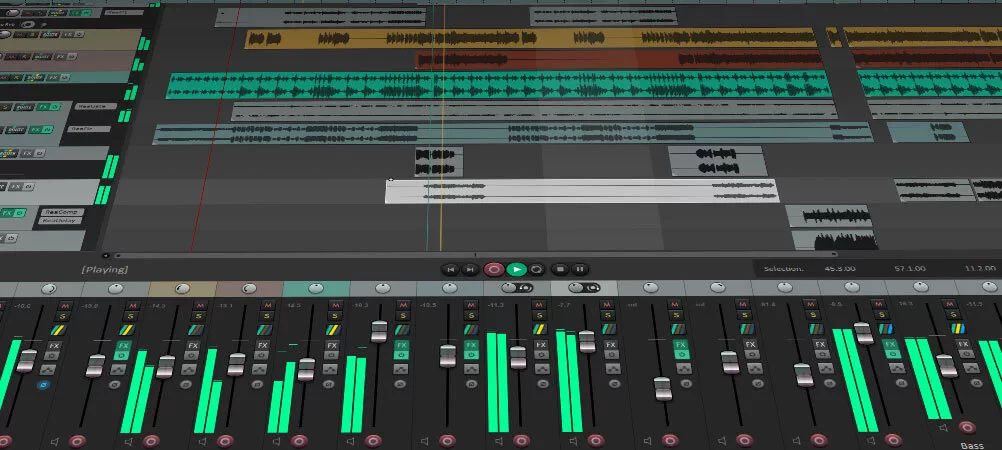
REAPER 7.83 expands its included JSFX tools with several open-source synthesizer and effect ports. The release also adds MIDI/OSC Learn assignments, improves batch audio conversion and introduces options for organizing plug-ins. These changes address production tasks that regularly involve complex routing, controllers and audio preparation rather than replacing the main editing interface.
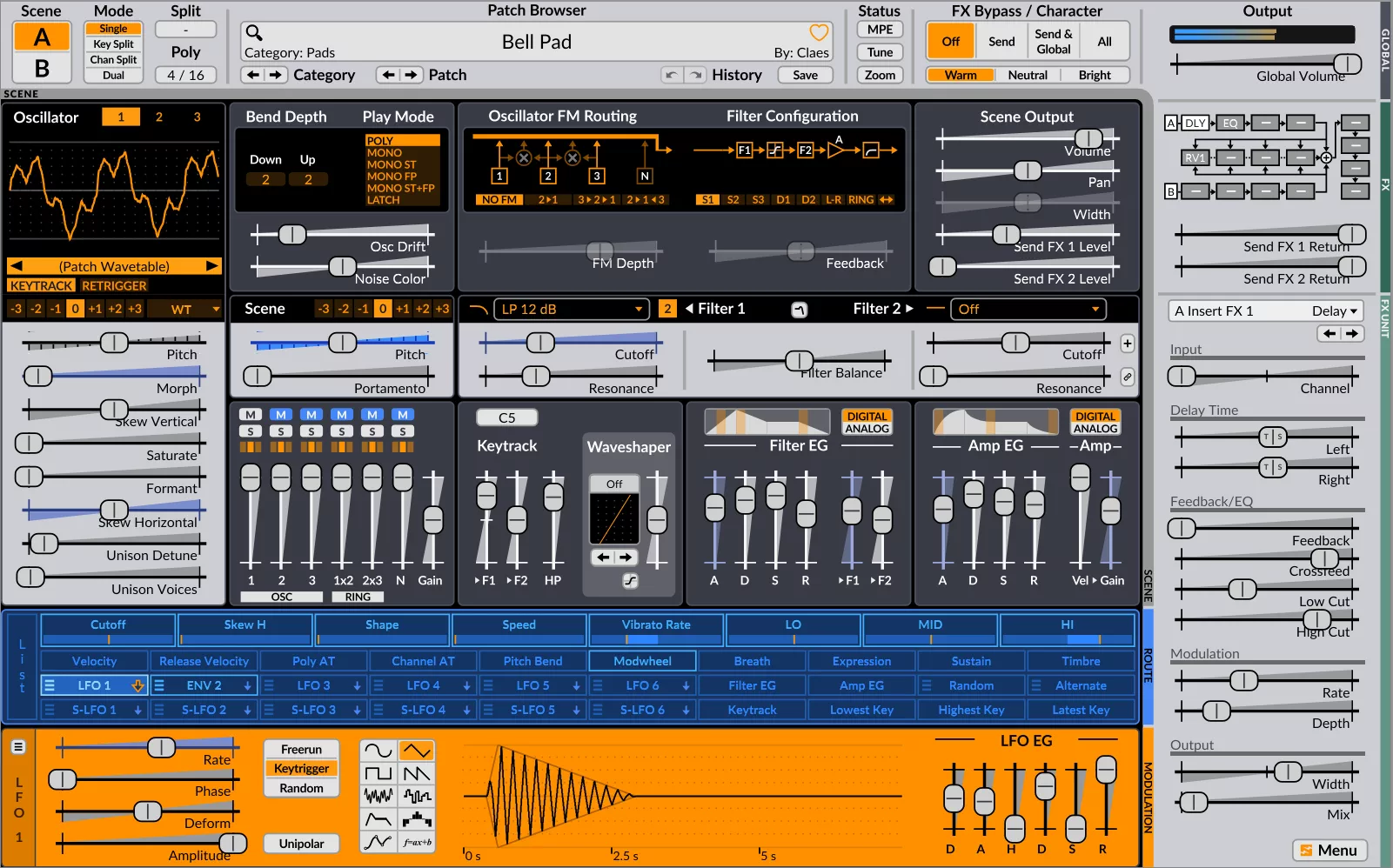
The JSFX additions include ports of instruments such as Dr. Nine Drum Synthesizer, JamSynth, Jexed and synthesizer models derived from other open-source projects. Cockos also lists new processing ports, including chorus, automatic double tracking and spectral compression options. Users can load these devices into tracks or effects chains and integrate them with the rest of their sessions.
More included JSFX instruments and effects
The expanded collection adds choices without demanding external purchases for every new sound source. It also creates an additional organizational challenge: a large plug-in inventory is only useful if the producer can find the required device. REAPER 7.83 introduces a Hidden FX folder that removes chosen plug-ins from ordinary browser views. Several legacy JSFX now sit in that folder by default, reducing clutter for new sessions.
MIDI/OSC Learn receives more direct assignments. REAPER adds controls for send volume, pan and mute, alongside track volume, width, solo, record arm and FX bypass. A producer operating a hardware control surface can map these functions without needing every action to go through an individual custom script. Multiple MIDI learn assignments can also be associated with relevant parameter contexts.
Hardware controls and batch processing
The batch converter gains audio and peaks previews, a per-file gain adjustment option from the command line and a method to normalize only files that are too quiet. These features are useful for preparing a group of samples, archival material or stems before importing them into a production. Settings still need to match the intended destination; batch processing is not a substitute for checking sample rate, naming and audio format.
REAPER 7.83 also includes corrections for VST3 plug-in bus-size handling and Audio Units state loading. Media decoding fixes address particular seeking situations in FLAC, Vorbis and Opus files. Other improvements involve the Media Explorer and theme controls, including dark-mode behavior on Windows. None changes the broad design of REAPER, but each removes friction from specific workflows.
Plug-in compatibility and setup
The software offers a fully functional 60-day evaluation. Cockos provides builds for Windows, macOS and several Linux architectures, with separate download options for older systems and some experimental builds. The interface is extensively customizable, but its flexibility means that detailed setup can take longer than in applications with more restricted routing and control assignments.
For electronic producers who already use REAPER, 7.83 delivers a meaningful maintenance release: more instruments, improved mapping and stronger media management. New users will find a capable editor with a large ecosystem of actions, routing choices and plug-in formats. The strongest reasons to adopt it are its configuration options and production tools, not a single new instrument.
Sources: official Cockos REAPER 7.83 release and download notes. Wordmark: Cockos / Wikimedia Commons, PD-textlogo.